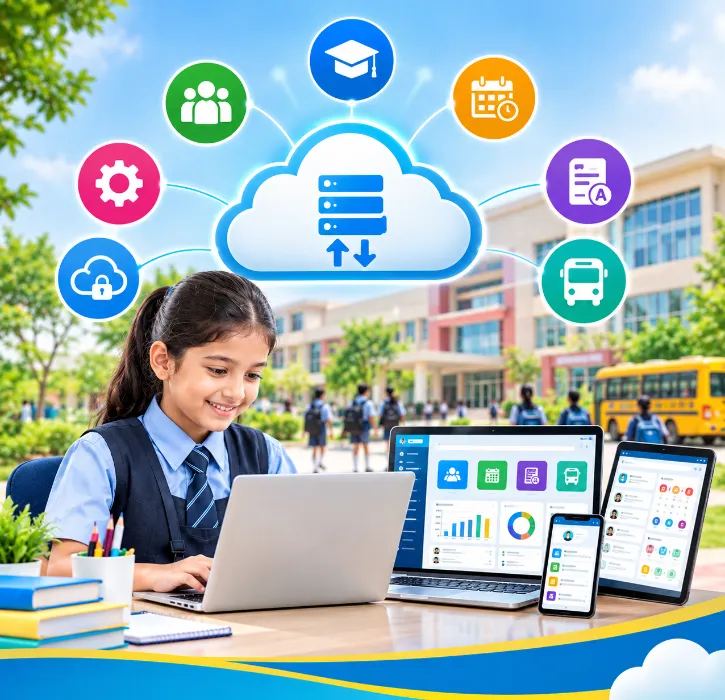
Almost every school ERP in India now calls itself cloud-based. Some genuinely are. Others are old desktop software installed on a rented server, with a login page added on top. Both appear on the brochure as "cloud ERP".
The difference shows up later. It shows up when the principal can't open a report from home, when an update needs a technician to visit, when a backup turns out to be months old, or when the school wants to leave and can't get its data out.
This guide explains what a genuine cloud school ERP should offer, how it compares with an on-premise system, and the questions to ask before you sign.
The short answer
A good cloud-based school ERP lets everyone with permission use the system from any device with a browser or app, without installing software at the school. The vendor handles hosting, updates, security and backups. Before choosing one, check:
-
how often data is backed up, and whether restores have been tested;
-
what happens during internet outages at your school;
-
who can see what, and whether access is logged;
-
whether you can export all your data at any time;
-
how the vendor is preparing for India's data protection law.
What "cloud-based" actually means
In a true cloud ERP:
- The software and data live on the vendor's servers, not on a computer in your school office;
- Users log in through a web browser or mobile app from school, home or anywhere else;
- The vendor runs updates centrally, so every school gets fixes and improvements without a site visit;
- Backups and security are part of the service, not something your staff have to remember.
In an on-premise system, the school installs the software on its own server or computer. The school is responsible for power, backups, security patches and hardware replacement. Remote access is possible, but usually needs extra setup.
Some systems sit in between. A "hosted" desktop system may run on a remote server but still need special software on each computer, or only work through a remote-desktop connection. That's not the same experience as a modern cloud platform.
Cloud vs on-premise: a quick comparison
- Where it runs: Cloud school ERP: vendor's servers. On-premise school ERP: a server or PC at the school.
- Access: Cloud school ERP: browser and app, from anywhere. On-premise school ERP: mainly from school computers.
- Updates: Cloud school ERP: automatic, done by the vendor. On-premise school ERP: installed by the school or a technician.
- Backups: Cloud school ERP: vendor's responsibility (check frequency). On-premise school ERP: school's responsibility.
- Upfront cost: Cloud school ERP: usually low; annual subscription. On-premise school ERP: server hardware plus licence.
- Power cuts at school: Cloud school ERP: staff can still work from phones or home. On-premise school ERP: system goes down with the server.
- Internet dependence: Cloud school ERP: needs internet to sync. On-premise school ERP: works on the local network.
- Parent app: Cloud school ERP: usually built in. On-premise school ERP: often a separate product or missing.
For most Indian schools, cloud is the practical choice today. It removes the need for a server room and an in-house IT person, and it's the only realistic way to give parents and teachers a live mobile app.
On-premises can still make sense for a school with a strong in-house IT team, very unreliable internet, or specific policies about where data must sit. If that's you, budget honestly for hardware, backups and maintenance.
Seven questions to ask any cloud ERP vendor
1. How often do you back up our data, and have you tested a restore?
"We take backups" isn't an answer. Ask how often (daily is a reasonable minimum), how long backups are kept, and when the vendor last restored a school's data successfully. A backup that has never been restored is a hope, not a plan.
2. What happens when our internet goes down?
Many Indian schools have patchy broadband, especially outside metros. Ask:
- Can teachers keep marking attendance on the mobile app over mobile data?
- Do biometric or RFID devices store scans and sync later?
- How does the fee counter work during an outage?
A simple backup broadband connection or a mobile hotspot at the office often solves most problems. But you should know the answers before the first outage, not during it.
3. Where is our data hosted?
Ask which hosting provider and region the vendor uses. Many schools prefer data hosted in India. Whatever the answer, get it in writing.
4. Who can see what, and is access logged?
A cloud ERP holds every child's personal details, fees and marks. Check for:
- role-based access, so teachers see their classes, accountants see fees and parents see only their own child;
- individual logins for every staff member, not shared passwords;
- activity logs showing who viewed or changed sensitive records;
- quick removal of access when staff leave;
- two-step login for admin users, where available.
5. Can we export everything, at any time?
Ask whether you can download student records, fee history, marks and attendance in standard formats (such as Excel or CSV) whenever you like, and what happens to your data if you leave. A vendor who hesitates here is telling you something about how hard leaving will be.
Our guide on switching school ERP without losing data explains why this matters even if you're happy today.
6. How are you preparing for the DPDP Act?
India's Digital Personal Data Protection Act, 2023 is being brought into force in phases through its Rules, notified in November 2025. The main obligations, including security safeguards, breach notification and the rules around children's personal data, apply from May 2027. Schools and their software vendors both have roles to play, and educational institutions have some specific exemptions.
You don't need to become a lawyer, but you should ask the vendor how they handle data security, breach reporting and data retention, and take legal advice on what applies to your school. Our post on the DPDP Act and student data has a checklist.
7. What's your uptime, and how do you handle downtime?
Ask how often the system has been unavailable in the last year, when maintenance usually happens (it should be outside school hours) and how schools are told about planned downtime. Result day and fee due dates are the worst times for an outage, so ask what extra care is taken around them.
Cost: what a cloud ERP really costs
Cloud ERPs are usually priced per student per year, or as a flat annual subscription, based on your modules and strength. The subscription normally includes hosting, updates and backups.
When comparing quotes, check whether these are included or extra:
- setup and data migration;
- training;
- the parent and teacher app;
- SMS and WhatsApp message charges;
- payment gateway fees;
- hardware integrations such as biometric, RFID or GPS.
Compare the three-year total, not just the first invoice. Our school ERP pricing guide walks through the full calculation.
Common worries about cloud ERP, answered
"Our data will be less safe outside the school:" Not necessarily. A school server in an office cupboard, backed up to a pen drive, is often less secure than a professionally managed cloud platform. What matters is how the data is protected, not where the box sits.
"We'll be stuck if the internet fails:" You'll lose some functions during an outage, but a well-designed system lets staff continue on mobile data, and devices can sync later. Plan a simple backup connection.
"The vendor could disappear:" That risk exists with any vendor. Protect yourself with a regular export of your data and a written exit clause in the contract.
"Updates will change things without warning." Ask how the vendor communicates changes and whether major changes are scheduled outside exam and admission periods.
How One Flawless approaches cloud ERP
One Flawless is a fully cloud-based school ERP software, built in India and used by 100+ schools. In practice, that means:
- Access from any device: principals, office staff and teachers use the web platform, and parents, teachers, students and management use the Android and iOS apps;
- Regular backups: handled by our team;
- No server at your school: so updates arrive without a technician's visit;
- Role-based access: so each user sees only what they need;
- Hardware integrations: with biometric, RFID and GPS devices feeding the same cloud record;
- Data migration during onboarding: so your existing records come across.
Ask us the seven questions above in the demo, including where data is hosted and how often it's backed up. We'll answer in writing.
Conclusion
"Cloud" is now a label every school ERP uses, so treat it as the start of the conversation, not the end. A genuine cloud ERP should let your team and parents work from anywhere, keep your data backed up and secure, survive a bad internet day, and let you take your data with you if you ever leave.
Ask the seven questions, get the answers in writing, and compare the three-year cost. That's how you find the best cloud-based school ERP for your school, rather than the one with the best brochure.
If you're still building a shortlist, our comparison of the 10 best school ERP software in India is a good place to start.
Want straight answers on hosting, backups and security? Book a free One Flawless demo or call +91 73036 23733.